Jim Edwards and Stephen Pierce present: "Make 2005 Your Best Year Ever!" Jim Edwards and Stephen
Pierce share almost a dozen
Go To www.WealthSecretsCD.com Right Now
|
|||
|
|||
Jim Edwards and Stephen Pierce present: "Make 2005 Your Best Year Ever!" Jim Edwards and Stephen
Pierce share almost a dozen
Go To www.WealthSecretsCD.com Right Now
|
|||
|
|||



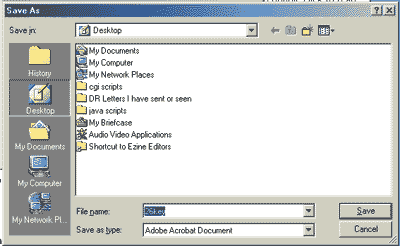
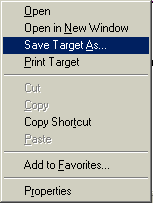 Instructions
for Downloading:
Instructions
for Downloading: